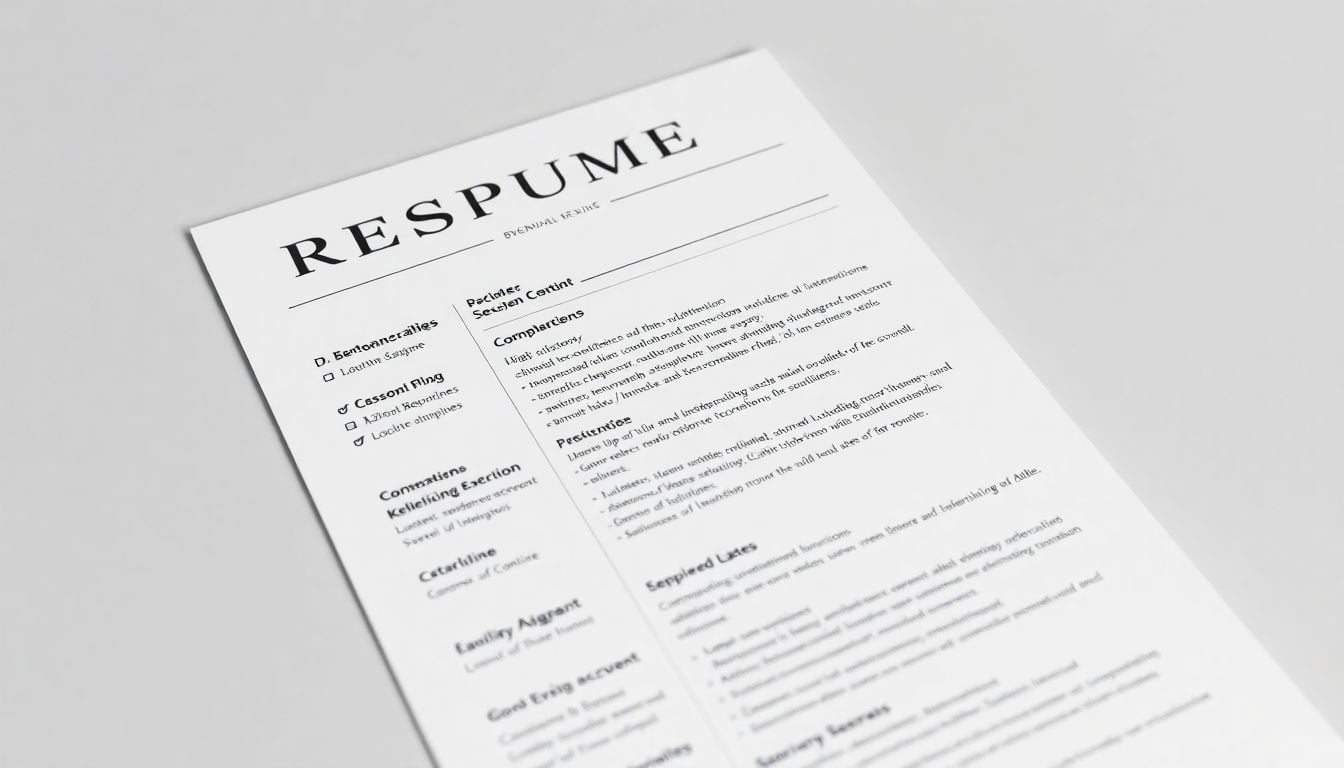
How to Create a Resume That ATS Systems Will Love
Introduction
If you're applying for jobs online, chances are your resume will go through an Applicant Tracking System (ATS) before it even reaches human eyes. These systems filter out unqualified candidates by scanning for keywords, formatting, and structure that match the job description. If your resume isn't optimized for ATS, it may never be seen by a hiring manager—no matter how qualified you are.
In this guide, we'll walk you through the best practices for creating an ATS-friendly resume, ensuring it passes the initial screening and lands you that crucial interview.
What is an ATS and Why Does it Matter?
An Applicant Tracking System (ATS) is software used by employers to manage and filter job applications. It automatically scans, ranks, and sorts resumes based on predefined criteria such as:
- Keywords that match the job description
- Proper formatting (no images, tables, or excessive graphics)
- Standard fonts and file types (like .docx or .pdf)
If your resume doesn’t align with these factors, it may get rejected before anyone ever reads it.
Key Elements of an ATS-Friendly Resume
Use an ATS-Compatible Format
Not all resume formats work well with ATS. The best format is:
✅ Reverse chronological format – Lists your most recent job first
✅ Standard fonts – Use Arial, Calibri, or Times New Roman (10-12 pt)
✅ No headers, footers, or text boxes – ATS may ignore these
✅ Save as .docx or .pdf – Avoid .png, .jpeg, or .odt
Avoid creative or infographic resumes—while they look great, ATS systems struggle to read them.
Optimize Your Resume with Keywords
ATS relies on keywords to determine if you're a good match for the job. To optimize your resume:
- Read the job description carefully and identify key skills and terms
- Match those keywords naturally throughout your resume
- Use industry-specific terms (e.g., "SEO optimization" for digital marketing)
- Avoid keyword stuffing – Make sure your resume reads naturally
Structure Your Resume for Readability
Your resume should include these essential sections:
- Contact Information (Full Name, Phone, Email, LinkedIn)
- Professional Summary (2-3 sentence overview of your skills)
- Work Experience (Reverse chronological order, job title, company name, dates, responsibilities, and achievements)
- Skills Section (List relevant skills using industry keywords)
- Education (Degree, school, graduation year)
- Certifications & Training (If applicable)
Use Bullet Points for Readability
Avoid long paragraphs. Instead, use concise bullet points:
✅ Led a team of 10 sales representatives, increasing revenue by 20%
✅ Implemented a new CRM system, reducing processing time by 30%
Keep each bullet point clear, impactful, and results-driven.
Common Resume Mistakes That Fail ATS
Here are common mistakes that cause ATS rejection:
🚫 Using Fancy Fonts or Colors – Stick to black and white, standard fonts
🚫 Adding Images, Tables, or Charts – ATS can’t read them
🚫 Using Non-Standard Headers – Stick with "Work Experience" instead of "My Career Path"
🚫 Failing to Include Keywords – ATS ranks resumes based on keyword relevance
🚫 Saving in the Wrong File Type – Always use .docx or .pdf
FAQs About ATS-Friendly Resumes
How do I know if a company uses ATS?
Most medium-to-large companies use ATS. If you're applying online through a portal, your resume is likely going through one.
How do I choose the right keywords for ATS?
Look at the job description and identify repeated skills and requirements. Use those exact terms in your resume.
Does ATS read bullet points?
Yes! ATS can process bullet points as long as they are simple and standard (• or -). Avoid fancy symbols.
Can I use a creative resume?
No, unless you’re directly emailing a hiring manager. For online applications, always use a simple, text-based format.
Should I include soft skills like "communication" in my resume?
Soft skills are important but should be listed in context within job descriptions (e.g., “Led a team with strong communication skills”).
Do ATS systems read cover letters?
Some do, but many do not. Always optimize your resume first.
Is a one-page resume better for ATS?
Not necessarily. ATS doesn’t care about length—as long as your resume is well-structured and keyword-optimized.
What file format is best for ATS?
The best formats are .docx and .pdf (unless the job posting specifies otherwise).
Does ATS recognize abbreviations?
Not always. Use both the full term and abbreviation (e.g., "Search Engine Optimization (SEO)").
How often should I update my resume for ATS?
Every time you apply for a new job, tailor your resume by adjusting keywords and relevant experience.
Conclusion
Creating an ATS-friendly resume is crucial if you want to pass the first hurdle in the hiring process. By using the right keywords, formatting, and structure, you can increase your chances of getting noticed by recruiters.
Before submitting, always check your resume with an ATS resume checker to ensure it meets all requirements. Stay consistent, professional, and tailored to each job application—and you’ll be one step closer to landing your next interview!
Comments
Post a Comment